
AI Meme Generator
Say it with Memes – Create, Share, and Laugh with AI Meme Generator!
Tired of stale memes? Our AI Meme Generator lets you create hilarious memes in no time!
AI Meme Generator
Tired of stale memes? Our AI Meme Generator lets you create hilarious memes in no time!
Welcome to the ultimate guide on how to use our AI Meme Generator! Whether you're looking to create hilarious memes for social media or just want to have some fun, this guide will walk you through the entire process. Let's get started!
Begin by entering your topic in the search bar. This will help the AI understand what kind of meme you want to create. For example, you can enter "funny cat" or "work from home."
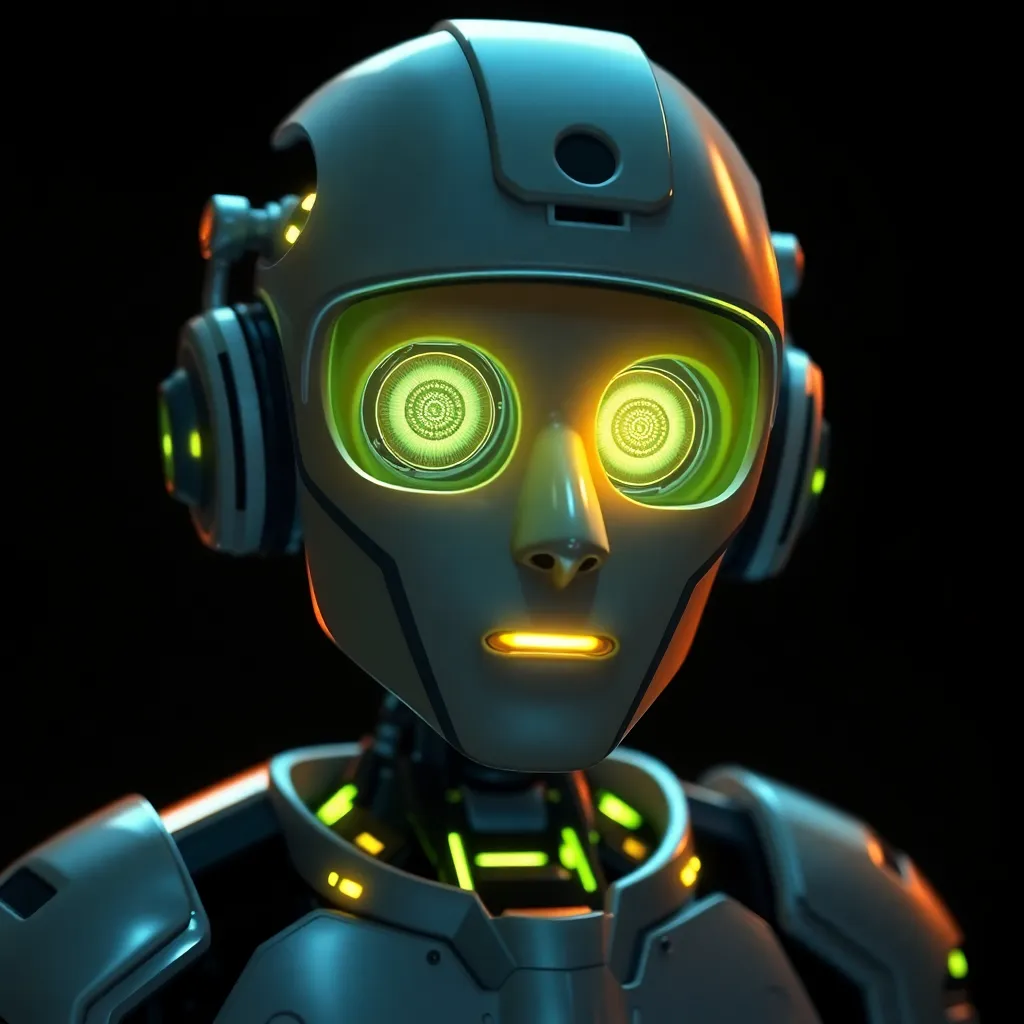
Click on the "Generate" button to let the AI create a meme based on your topic. The AI will analyze the topic and generate a meme that matches your input.

Once the meme is generated, you can customize it to your liking. You can add text to the image, choose the text position (top, middle, bottom, or both top and bottom), adjust the text size, and change the text color.

You can also change the background color of the meme to make it more visually appealing. Simply select a color from the color picker.

For a more dynamic look, you can add multi-color text to your meme. Enter the text with different colors to make it stand out.

Choose the image format that best suits your needs. You can select from square, landscape, or portrait formats.

Once you're satisfied with your meme, click on the "Save" button to save your changes. You can then download the meme to your device by clicking the "Download" button.

Congratulations! You've successfully created a meme using our AI Meme Generator. Share your meme on social media and let the laughter begin!